AI-Powered by Kling 2.1

Create Pull-Out Videos That Reveal Your Story

Transform a single product image into professional pull-out reveal videos. Start with a macro detail and smoothly zoom out to reveal the full product in context. Perfect for closing shots and CTAs in Amazon listings.
2-3 min generation
No watermark
Free tier
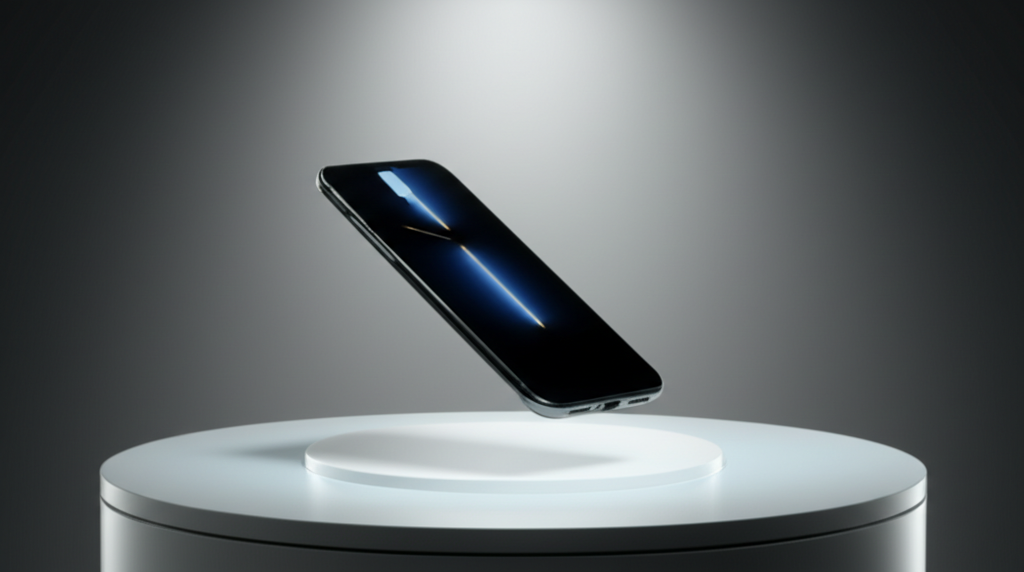
Pull-out video demo showing close to wide camera movement
⚡ 2-3 min
Generation Time

Why Choose Pull-Out Videos?

The perfect closer to reveal context and transition smoothly into a call-to-action

Perfect Reveal Effect
Start with compelling details, then reveal the full product story. Creates curiosity and engagement.
AI-Powered Quality
Powered by Kling 2.1 AI for smooth, cinematic pull-out effects that create professional storytelling.
Closing Shot Ready
Ideal for ending your video sequence or transitioning to a CTA. Amazon compliant, no watermark.

Create Videos in 3 Simple Steps

From product photo to professional reveal video in minutes

1

Upload Product Image

Choose a product photo with interesting details. Works best with images showing textures, features, or unique characteristics.

2

AI Generates Pull-Out Motion

Our Kling 2.1 AI creates a smooth pull-out camera movement, starting with macro details and revealing the full product context.

3

Download & Use

Get your professional pull-out video ready for Amazon, social media, or any e-commerce platform. No watermark included.

Perfect For These Scenarios

Pull-out videos work great as closers and reveal shots

🎁

Product Reveals

🎬

Closing Shots

🏗️

Context Building

📦

All Products

Frequently Asked Questions

When should I use pull-out videos?
Pull-out videos work best as closing shots or to reveal the full product context after showing a detailed close-up. They're perfect for creating a satisfying conclusion to your video sequence or transitioning to a call-to-action.
How is this different from push-in videos?
Push-in videos zoom from wide to close (great for intros), while pull-out videos do the opposite - starting close and revealing context (great for endings). Use pull-out to create a "reveal" effect that shows the bigger picture.
Do I need multiple product photos?
No! Pull-out videos are created from a single product image. Our AI simulates the camera movement to create a dynamic reveal effect.
What products work best with pull-out videos?
Products with interesting details, textures, or features work particularly well. Items with packaging, unique materials, or intricate designs create compelling reveal moments.
Can I combine this with other video templates?
Absolutely! Many sellers create video sequences using push-in as an opener, subject orbit for 360° views, and pull-out as a closer. Mix and match to tell your product story.

Ready to Create Your First Pull-Out Video?

Join thousands of Amazon sellers using AI to create professional reveal videos in minutes

No credit card required • Free tier available